
Overview
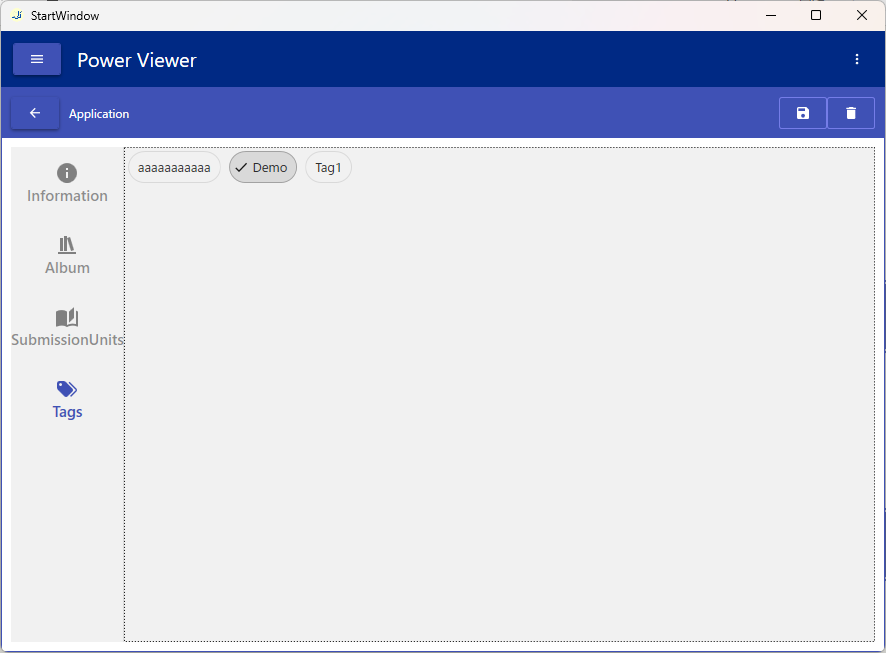
Edit Application information.
An Application is created when you add a SubmissionUnit. You cannot create an Application by itself.
Linking an Album and an Application is done on this screen, not on the Album edit screen.
Screen Layout
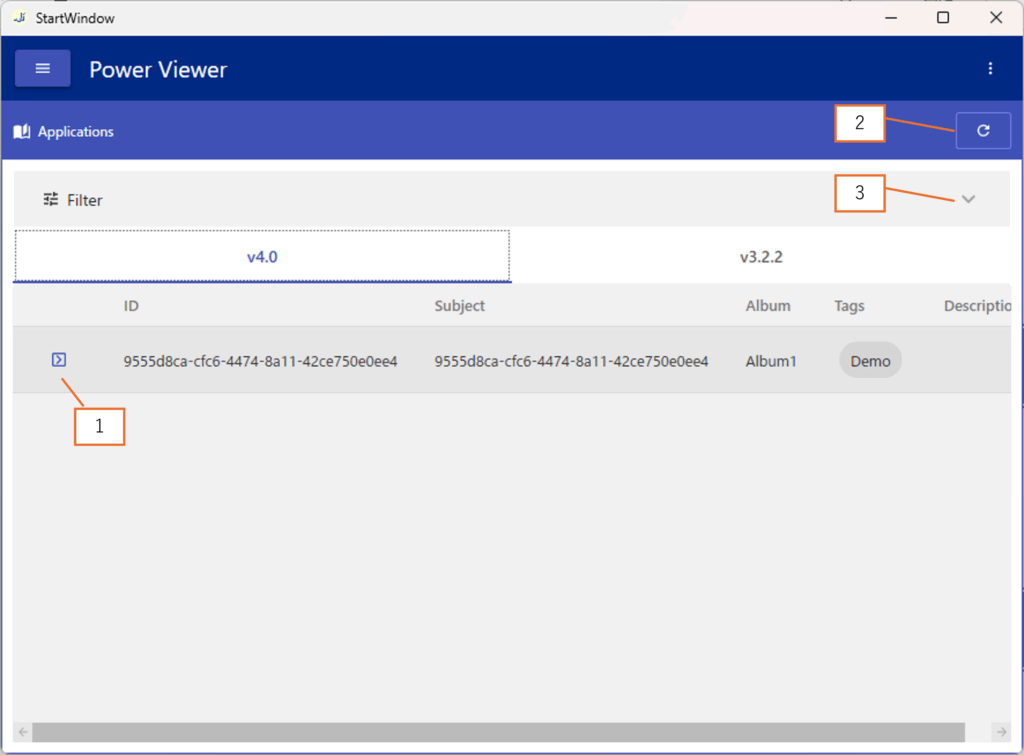
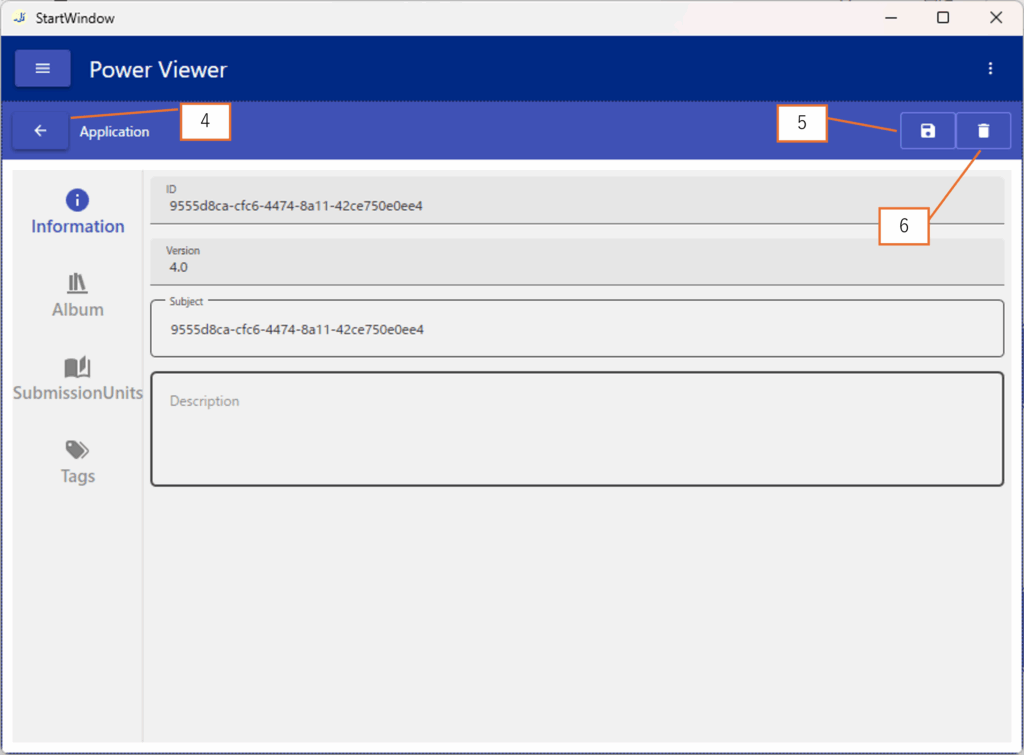
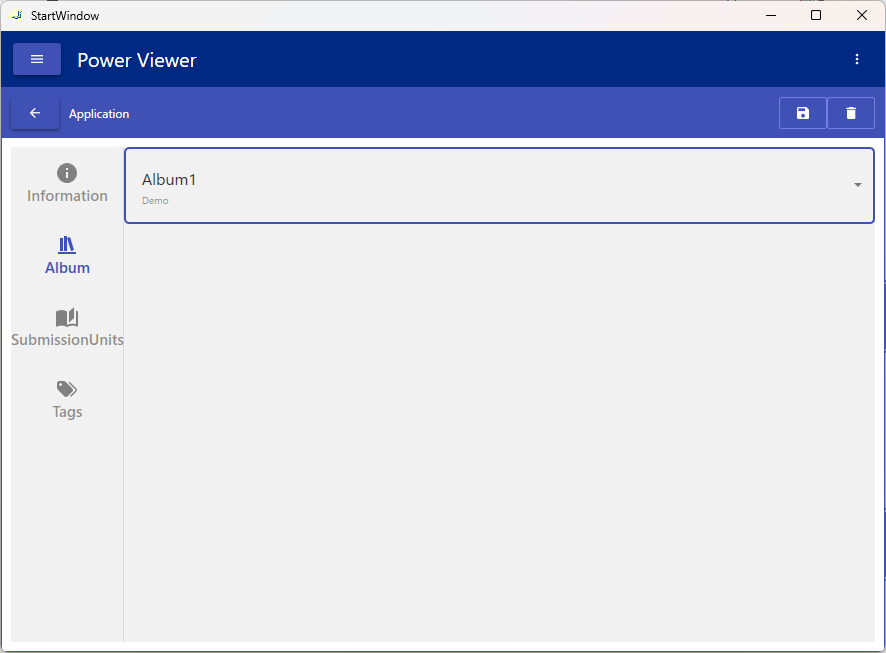
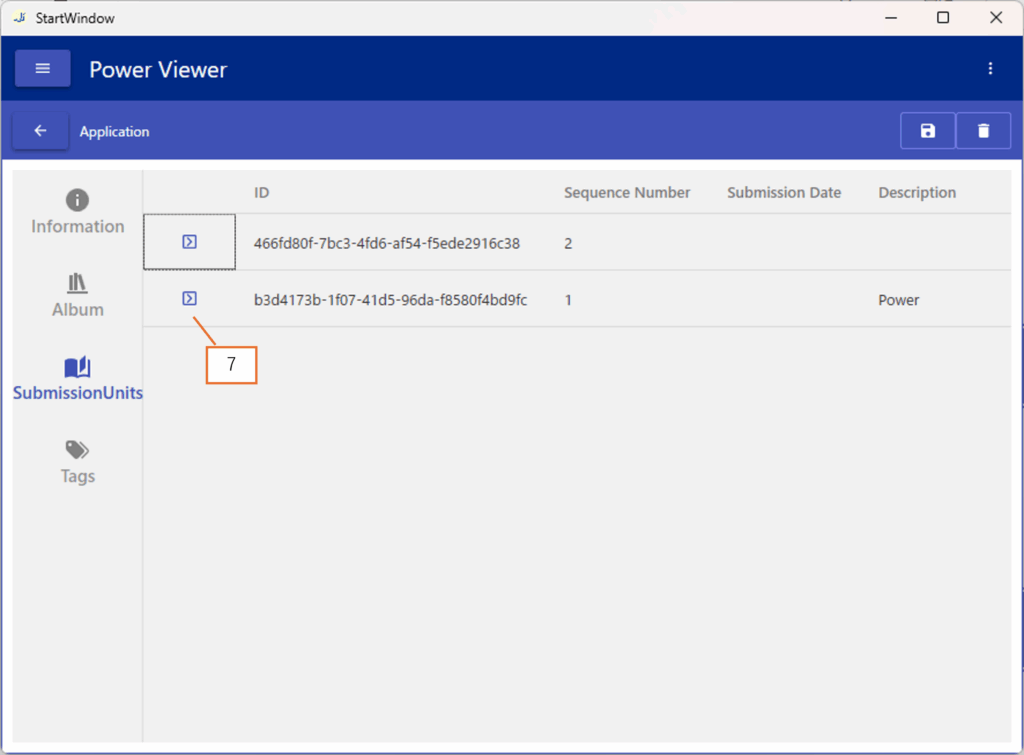
| No. | Description |
|---|---|
| 1 | Navigate to Screen 2 |
| 2 | Refresh the screen |
| 3 | Expand Filter |
| 4 | Navigate to Screen 1 |
| 5 | Save changes |
| 6 | Delete Application |
| 7 | Navigate to Screen 3 |
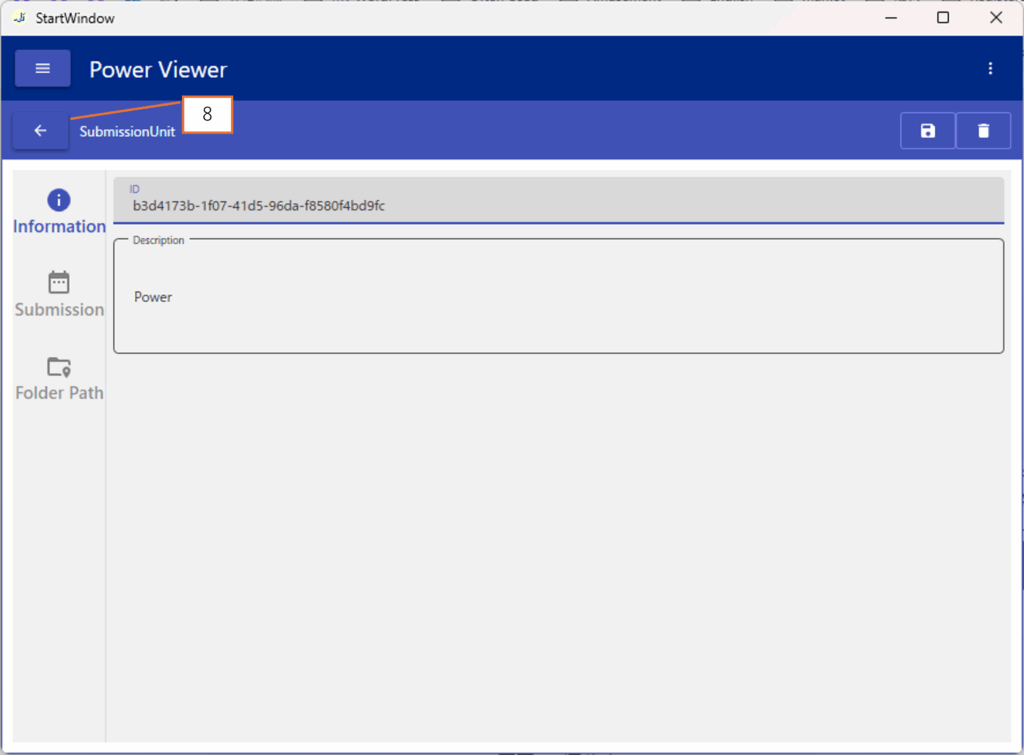
| 8 | Navigate to Screen 2 |
Operations
Edit Application Information
Change the basic information, associated Album, and Tags, then click button 5 to save the changes.
Delete an Application
Click button 6 to delete the Application.
View SubmissionUnit Details
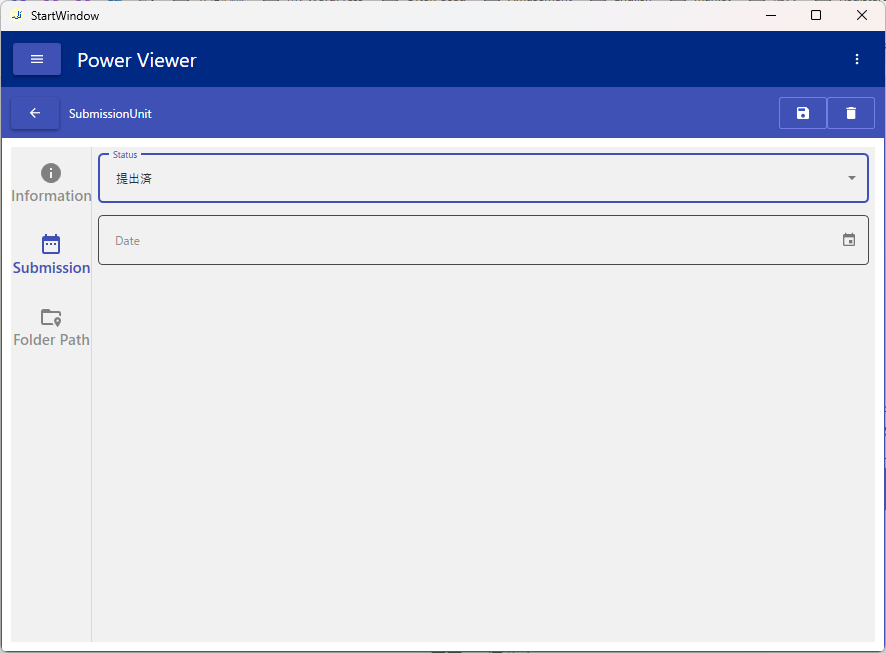
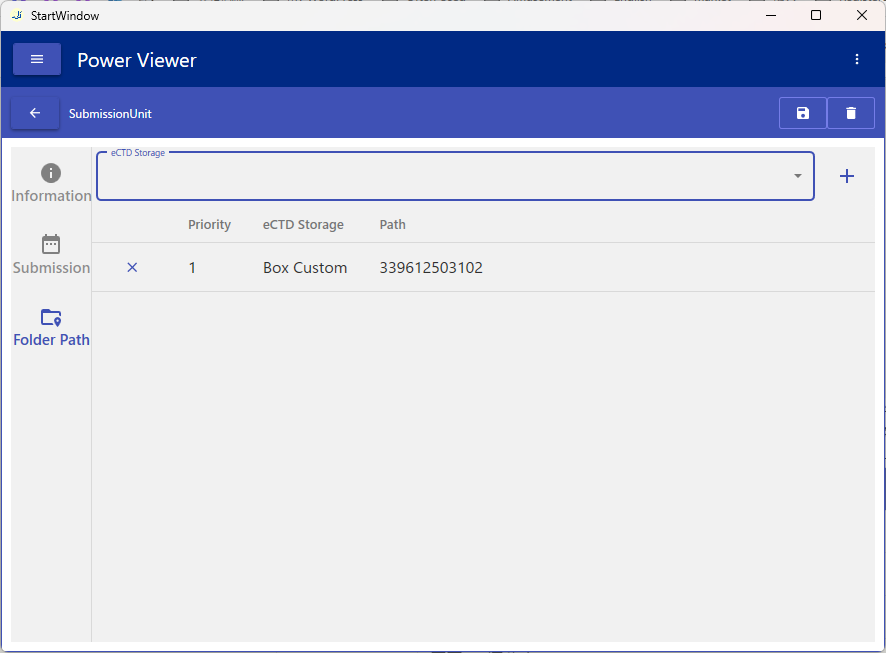
Click button 7 to go from the Album detail screen (Screen 2) to the SubmissionUnit detail screen (Screen 3). You can also edit the SubmissionUnit there; the editing operations are the same as on the SubmissionUnits screen.
Basic Application Editing Flow
When you add a SubmissionUnit on the SubmissionUnits screen, the corresponding Application is created and registered.
All Application fields are set to their default values.
Please refer to the content on this page.